| .github/workflows | ||
| .imgs | ||
| cmd/org | ||
| internal | ||
| .gitignore | ||
| go.mod | ||
| go.sum | ||
| LICENSE | ||
| README.md | ||

Org
A simple terminal-based Org-mode task manager inspired by the simplicity of nano. Manage your TODO items, track time, and stay organized without leaving the command line.
Installation
go install github.com/rwejlgaard/org/cmd/org@latest
Or build from source:
git clone https://github.com/rwejlgaard/org
cd org
go build -o bin/org ./cmd/org
Usage
org [filename]           # Open specific org file
org -f tasks.org         # Open using -f flag
org                      # Opens ./todo.org by default
Features
Task Management
- Customizable TODO States: Define your own workflow states with custom colors (default: TODO, PROG, BLOCK, DONE)
- Hierarchical Tasks: Create sub-tasks and organize items with multiple levels
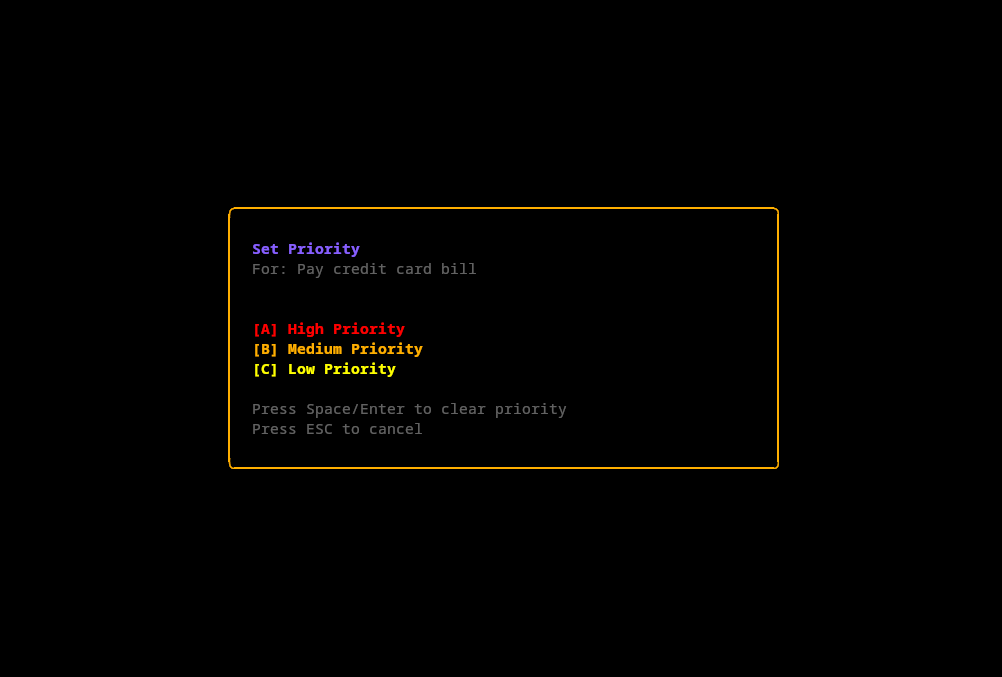
- Priority Levels: Set priorities (A, B, C) with color-coded indicators
- Tags: Organize tasks with tags like
:work:urgent:with customizable colors - Folding: Collapse and expand tasks and notes with Tab key
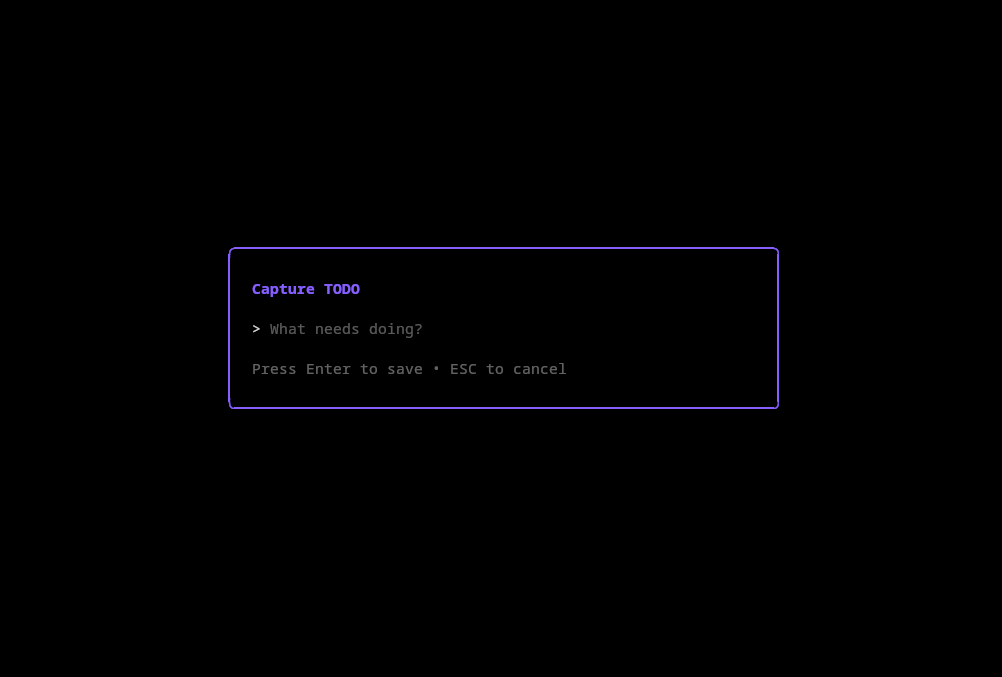
- Quick Capture: Press 'c' to quickly capture new TODO items
- Reorder Mode: Reorganize tasks with shift+up/down arrows
Scheduling & Deadlines
- Deadlines: Set and track task deadlines with visual indicators
- Scheduled Dates: Schedule tasks for specific dates
- Agenda View: View upcoming tasks for the next 7 days
- Overdue Highlighting: Automatically highlights overdue items in red
Time Tracking
- Clock In/Out: Track time spent on tasks with 'i' (clock in) and 'o' (clock out)
- Duration Display: See current and total time tracked per task
- Effort Estimates: Set estimated effort (e.g., 8h, 2d, 1w)
- Automatic Logging: All clock entries are logged in LOGBOOK drawer
Notes & Documentation
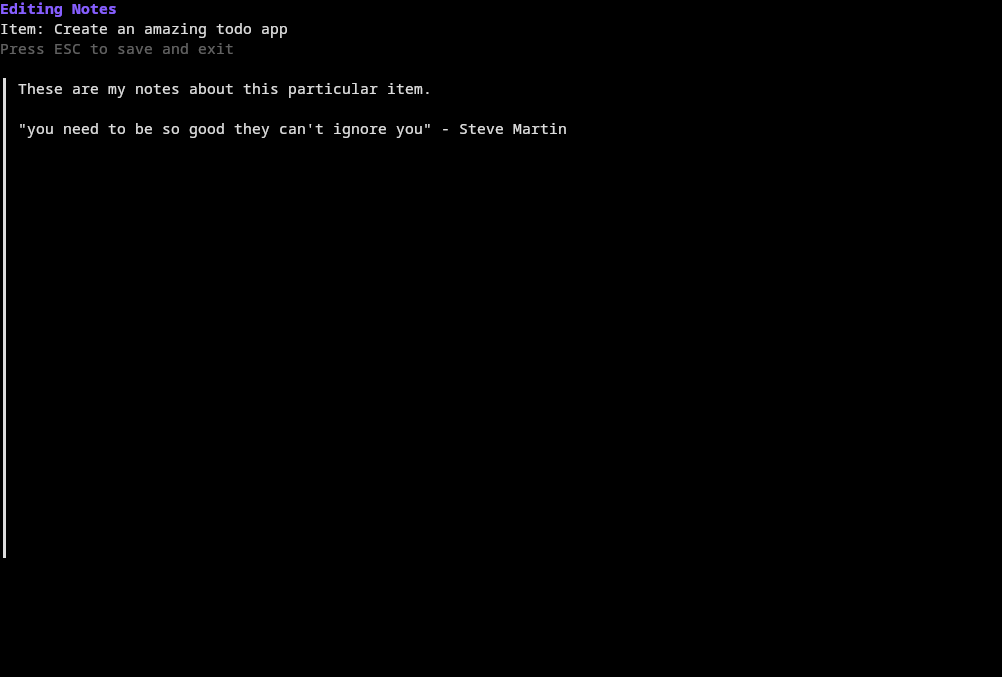
- Rich Notes: Add detailed notes to any task with Enter key
- Syntax Highlighting: Code blocks are automatically highlighted (supports both ```lang and #+BEGIN_SRC formats)
- Markdown Support: Use markdown-style code blocks in your notes
- Drawer Management: LOGBOOK and PROPERTIES drawers are automatically filtered in list view
Keybindings
| Key | Action |
|---|---|
↑/k, ↓/j |
Navigate up/down |
←/h, →/l |
Cycle state backward/forward |
t or space |
Cycle TODO state |
tab |
Fold/unfold item |
enter |
Edit notes |
c |
Capture new TODO |
s |
Add sub-task |
D |
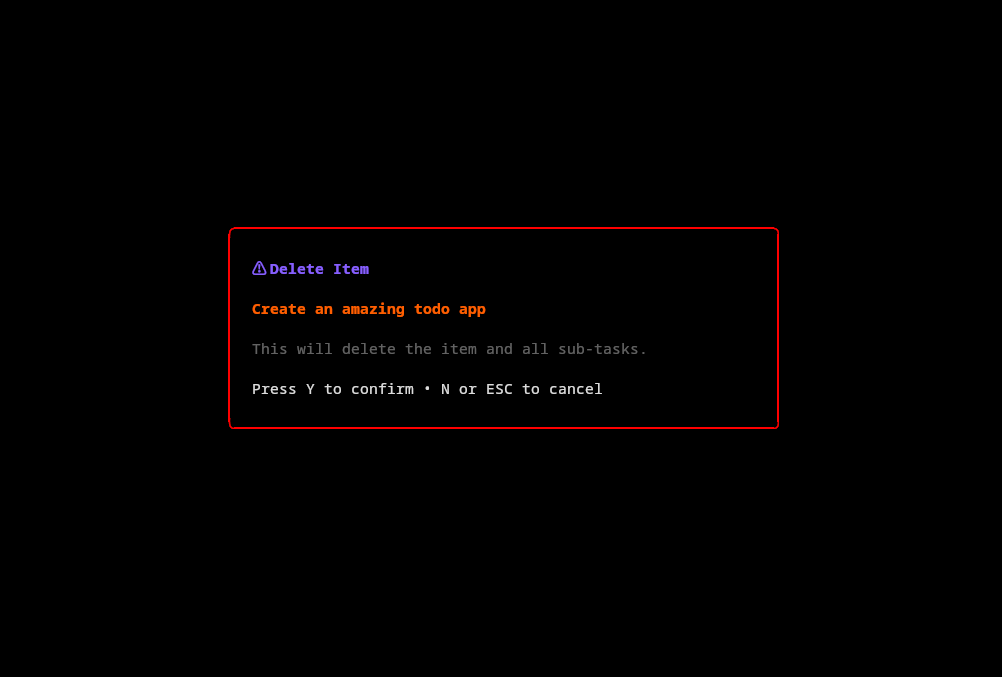
Delete item (with confirmation) |
# |
Add/edit tags |
a |
Toggle agenda view |
i |
Clock in |
o |
Clock out |
d |
Set deadline |
p |
Set priority |
e |
Set effort |
r |
Toggle reorder mode |
shift+↑/↓ |
Move item up/down |
, |
Open settings |
ctrl+s |
Save |
? |
Toggle help |
q or ctrl+c |
Quit |
Note: All keybindings can be customized in the configuration file.
Auto-save
Changes are automatically saved when you quit the application.
Screenshots
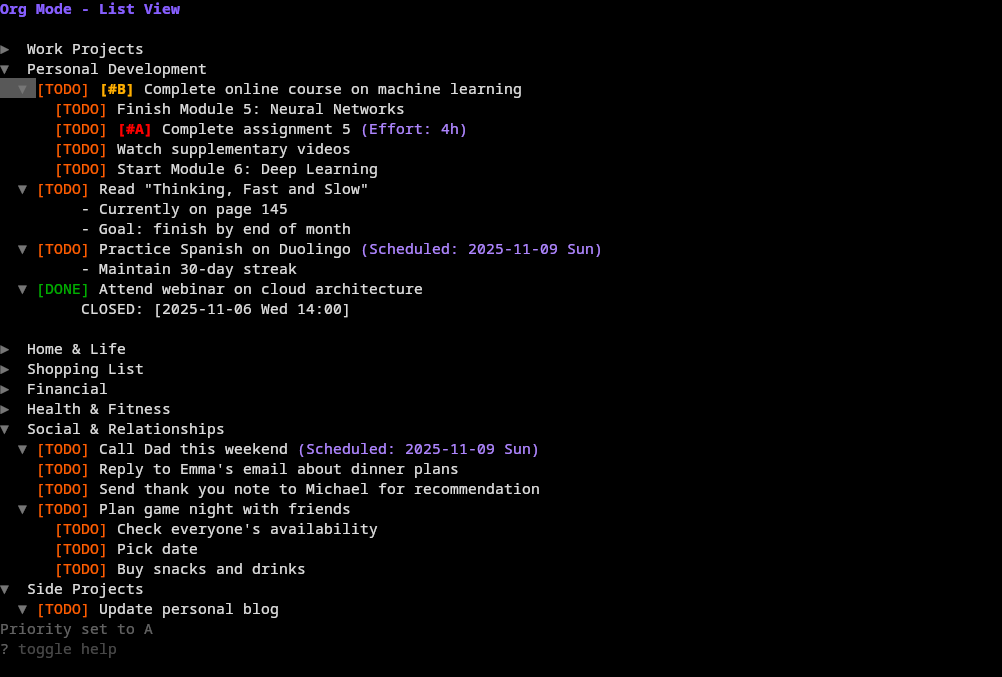
List view
Editing notes
Prompts
Configuration
The application can be configured using a TOML configuration file located at:
- Linux/macOS:
~/.config/org/config.toml - Windows:
%APPDATA%\org\config.toml
The configuration file is automatically created with default values on first run.
Configuration Structure
Tags
Define custom tags with colors:
[tags]
enabled = true
default_tag = "work"

[[tags.tags]]
name = "work"
color = "99"  # Blue

[[tags.tags]]
name = "personal"
color = "141"  # Purple

[[tags.tags]]
name = "urgent"
color = "196"  # Red
States
Customize TODO states with colors:
[states]
[[states.states]]
name = "TODO"
color = "202"  # Orange

[[states.states]]
name = "PROG"
color = "220"  # Yellow

[[states.states]]
name = "BLOCK"
color = "196"  # Red

[[states.states]]
name = "DONE"
color = "34"   # Green
Colors
Customize UI colors (using ANSI color codes):
[colors]
todo = "202"      # Orange
progress = "220"  # Yellow
blocked = "196"   # Red
done = "34"       # Green
cursor = "240"    # Gray
title = "99"      # Blue
scheduled = "141" # Purple
overdue = "196"   # Red
status = "241"    # Dark gray
note = "246"      # Light gray
folded = "243"    # Medium gray
Keybindings
Customize all keybindings (can specify multiple keys per action):
[keybindings]
up = ["up", "k"]
down = ["down", "j"]
left = ["left", "h"]
right = ["right", "l"]
cycle_state = ["t", " "]
toggle_fold = ["tab"]
edit_notes = ["enter"]
capture = ["c"]
add_subtask = ["s"]
delete = ["D"]
tag_item = ["#"]
settings = [","]
toggle_view = ["a"]
save = ["ctrl+s"]
help = ["?"]
quit = ["q", "ctrl+c"]
# ... and more
Settings UI
Press , (comma) to open the settings interface where you can:
Tags Tab
- Add new tags with custom colors
- Edit tag names and colors (format:
name,color) - Delete tags with
D - Reorder tags with
shift+up/down
States Tab
- Add new TODO states with custom colors
- Edit state names and colors (format:
name,color) - Delete states with
D - Reorder states with
shift+up/down(affects cycling order)
Keybindings Tab
- View all keybindings
- Edit keybindings (format: comma-separated keys, e.g.,
up,k) - Multiple keys can be bound to the same action
Navigation: Use left/right arrows to switch between tabs Auto-save: All changes are automatically saved to the config file
File Format
The application uses standard Org-mode file format (.org), making it compatible with Emacs Org-mode and other Org-mode tools. Tags are stored in the standard org-mode format:
* TODO Task title :work:urgent:
* DONE Completed task :personal:
License
MIT